
Why most people-counting data goes unused
Most teams install a people counter, watch the dashboard for a fortnight, then quietly stop opening it. The count keeps arriving, but nobody changes a rota, moves a display, or questions a promotion because of it. The sensor is working; the data is not. This is the gap between counting and acting, and it is the single biggest reason the ROI business case for a footfall investment never lands.
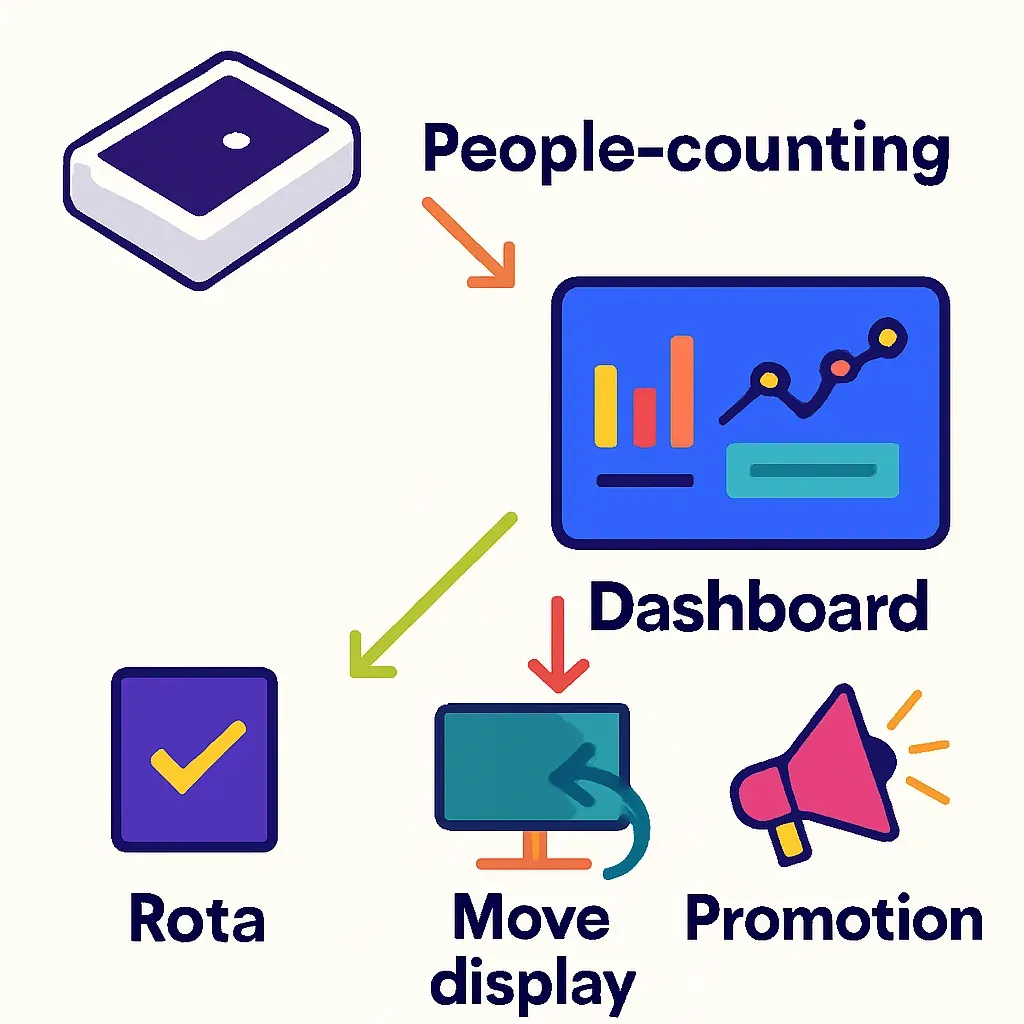
The gap is rarely a hardware problem. It comes from three habits. The number sits in a tool nobody owns, so no decision is ever attached to it. It is reported as a headline total, which is interesting but not actionable: a daily footfall figure tells you the store was busy, not what to do differently tomorrow. And it is never paired with the metric it should drive, so a count exists but conversion, staffing, and layout decisions are still made on instinct. This guide is the operating playbook for closing that gap: the specific decisions a count drives, the rhythm to run them, and the pitfalls that make the data lie to you. Each section assumes you already have a counter on the door and want to make it earn its keep.
The 6 decisions people-counting data drives
A footfall count is not a report. It is an input to decisions you are already making, usually on guesswork. These are the six where attaching the count changes the answer.
Staffing to traffic
Rotas are the fastest payback, because most stores schedule against last year's sales or a manager's gut, not against when people actually walk in. Plot entries by hour and day across a few weeks and the demand curve usually contradicts the published rota: a mid-morning lull that is over-staffed, an early-evening peak that is short-handed. Move hours from the trough to the peak and you cut both overstaffing cost and the understaffing that loses sales at the busiest moment. As a worked illustration, assume a store with two staff scheduled flat from open to close. The count shows entries doubling between 16:00 and 18:00 against a quiet 11:00 to 13:00. Shifting one person's hours to match adds cover when conversion is most at risk and removes a paid hour when the floor is empty. Treat the numbers as illustrative; the method is to schedule against the curve your own door produces.
Conversion diagnosis: capture versus convert
Conversion is transactions divided by entries, and it is the metric that turns a count into money. More usefully, it separates two very different problems that look identical on a sales report. A weak day can mean too few people came in, which is a capture problem of marketing, window, and location. Or it can mean plenty came in and few bought, which is a convert problem of staffing, layout, range, or price. Sales alone cannot tell these apart; footfall can. If entries held steady but conversion dropped, the fix is on the floor, not in the campaign budget. If entries fell but conversion held, the store did its job and the traffic problem is upstream. Diagnosing which lever to pull is the highest-value thing a count does.
Layout and zone changes
Entries tell you how many came in. Interior movement tells you where they went, which is what you need before moving a display, a category, or a fitting room. When you can see which zones draw visitors and which they walk straight past, a layout change becomes a test with a before and after rather than a hunch. Measure dwell and visit paths in a zone, make one change, then measure again. The same approach underlies a store heatmap, which turns interior movement into a picture of where attention concentrates and where it leaks away.
Peak and event planning
Knowing your real peaks, by hour, by weekday, around paydays and holidays, lets you plan instead of react. Stock the floor, brief the team, and time a promotion for when people are actually present rather than when a calendar says they should be. The same history sets a baseline for one-off events: if a sale day or a local event is meant to lift footfall, you can only judge it against a normal week if you measured the normal week first.
Marketing and campaign attribution
A campaign is supposed to bring people in. Entries are how you check whether it did, separately from whether they bought. Compare entries during a campaign window against a matched control period, ideally the same weekdays before the campaign or the same window a year earlier, and you can see lift in traffic on its own terms. A promotion that lifts entries but not conversion has an in-store problem, not a marketing one. Without the count, every campaign is judged on sales alone, which blends the two and hides what actually moved.
Multi-site comparison done fairly
Comparing stores by raw entries is unfair: a flagship on a high street will always out-count a retail-park unit, and ranking them on volume tells you nothing about performance. Normalise instead. Compare conversion rate, entries per square metre, or capture rate against passers-by, so a small store that converts well is not punished for being small. The one rule that makes any cross-site comparison valid is that every site measures the same thing the same way: the same definition of an entry, the same counting line, the same hours. Mix definitions and the league table is fiction. The discipline that makes multi-site analysis fair is the same discipline that makes single-site trends trustworthy, and it is the most common place footfall programmes quietly break.
A weekly operating rhythm
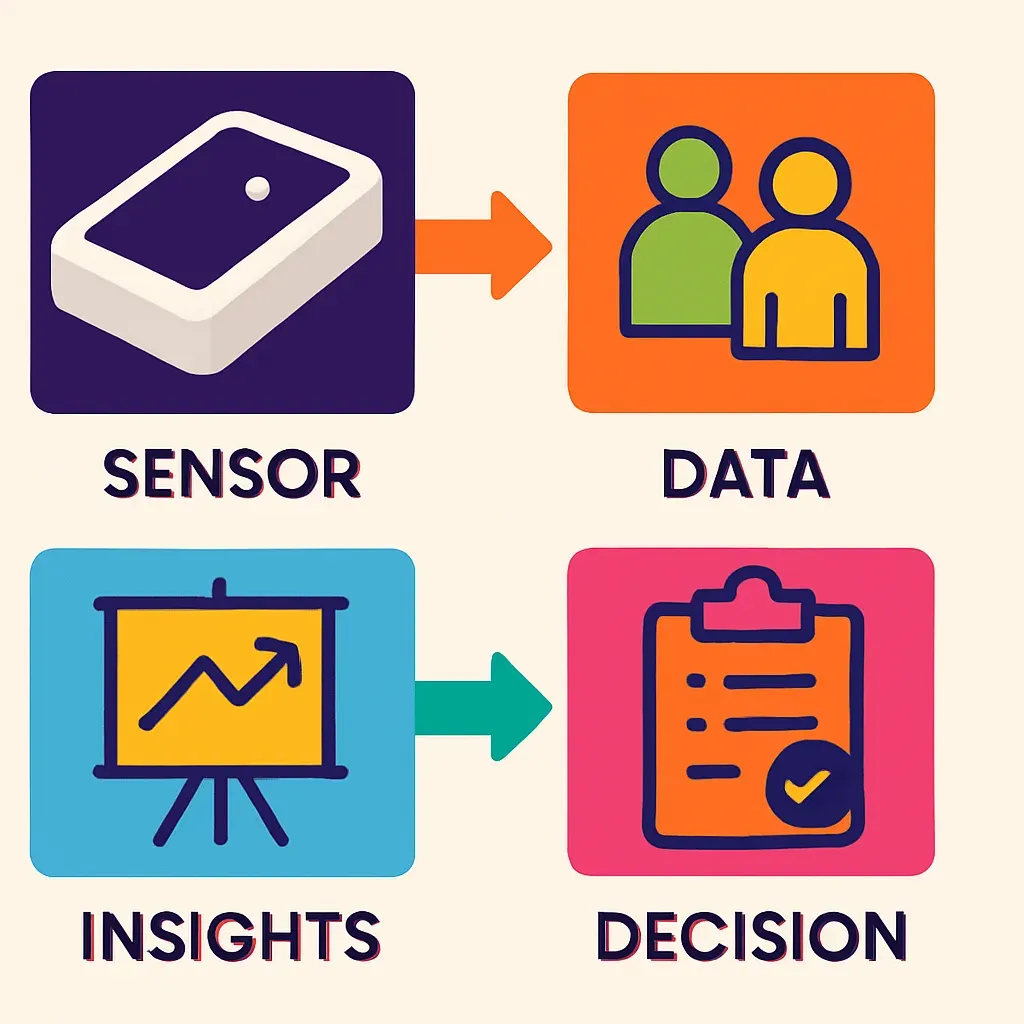
Data only changes decisions when looking at it is a habit, not a one-off. The fix is a cadence, with a different question at each interval, so the count is always attached to an action. Some calls need a live number you act on within the hour and others need a trend you read across weeks, which is the difference between real-time vs historical data, and the cadence below assigns each its own moment.
- Daily. A two-minute glance. Did yesterday's entries and conversion land where expected for that weekday? An unexplained swing is a prompt to check the floor, the weather, or a local event, not a report to file.
- Weekly. The working session. Read entries by hour against the rota and adjust next week's shifts to the curve. Look at conversion by day to separate capture from convert problems. Pick one layout or staffing change to test.
- Quarterly. The step back. Review trend against the same quarter last year, judge campaigns against their control periods, run the fair multi-site comparison, and decide the larger moves: range, hours, headcount, store changes.
The point of the rhythm is that every interval ends in a decision. A weekly review that produces no change to next week's rota is not a review, it is a screensaver.
Common pitfalls
Acting on noise
A single bad day is usually weather, a local event, or chance, not a trend. Reacting to one data point produces whiplash decisions that you reverse a week later. Compare like with like, the same weekday over several weeks, and act on a sustained move, not a spike. A change is worth acting on when it persists across comparable periods, not the first time it appears.
Comparing different metric definitions
The most damaging pitfall is comparing two numbers that were never the same measurement. One store counts everyone who crosses the threshold, another excludes staff, a third counts a family of four as one. Compare those and the analysis is worse than useless because it looks authoritative. Before any comparison, across sites or across time, confirm the definition of an entry is identical: does it count exits, does it strip out staff, does it resolve a group into the right number of people?
Vanity counts
A big footfall total feels good and decides nothing. Total entries with no denominator is a vanity metric: it cannot tell you whether a busy day was a good day. The cure is to pair every count with the metric it should drive, conversion, staff cost per transaction, or sales per visitor, so the number always answers a question instead of merely impressing one.
How Ariadne surfaces the data
Every decision above needs more than a turnstile total. It needs entries you can trust, occupancy through the day, dwell by zone, and the paths visitors take inside, all from one system and all without a camera.
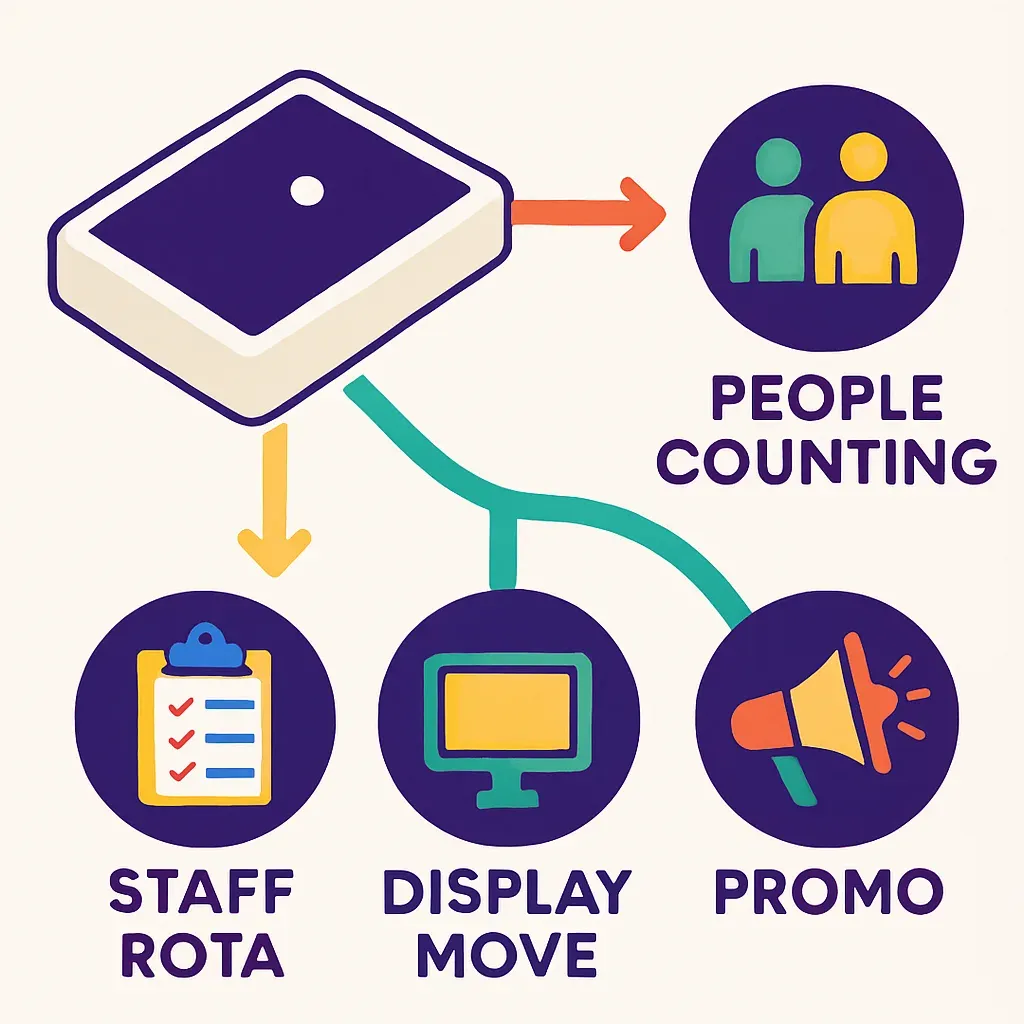
Ariadne measures this with Hybrid Fusion, its patented camera-free method. Time-of-Flight depth sensing counts every visitor at the entrances, capturing geometry rather than images, while patented phone signal sensing follows movement through the interior, detecting the signals a phone emits even in airplane mode. The sensor streams both feeds to Ariadne, where Hybrid Fusion combines them into one trajectory per visit and computes counts, dwell, and paths. The streams carry no identifier: no MAC address, no device ID, no biometric data, and no camera is involved. Identifiers are stored only when a visitor explicitly opts in, which keeps the method GDPR-friendly and outside biometric territory.
In practice that produces the four data layers this playbook runs on. Entries at the door give the device-independent count behind staffing and conversion. Occupancy over time shows how many people are inside at any moment, which drives capacity and peak planning. Dwell tells you how long visitors spend in a zone, the input to layout decisions. And the per-visit paths turn interior movement into the picture behind a heatmap and a fair multi-site read. Because the streams are combined centrally and carry no identifier by default, the same data that drives a rota is also safe to use across every site without a privacy review per store. The people-counting platform brings these layers together, and for store teams the retail use case shows how they map onto conversion, staffing, and layout work specifically.
FAQ
What is the first thing to do with people-counting data?
Pair it with one decision. The fastest is staffing: plot entries by hour and day, then move shifts from the troughs to the peaks. It pays back quickly and proves to the team that the count changes something, which is what gets people opening the dashboard at all.
How often should I look at the data?
On a cadence with a question at each interval. A two-minute daily glance for anything unexpected, a weekly working session to adjust rotas and pick a test, and a quarterly step back for trend, campaigns, and the larger range and headcount calls. Every interval should end in a decision.
Do you need cameras to count people?
No. Ariadne counts with Hybrid Fusion: Time-of-Flight depth sensing plus patented phone signal sensing, never cameras. Time-of-Flight captures geometry rather than images, and signal sensing captures no MAC address by default, so the measurement involves no video, no faces, and no biometric data.


